Home
Everything at a glance.
Lights, blinds, outlets, locks, thermostats and cameras from Apple Home – room by room, always live. Tap to switch, press and hold for more.
For iPad
Your home. At a glance.
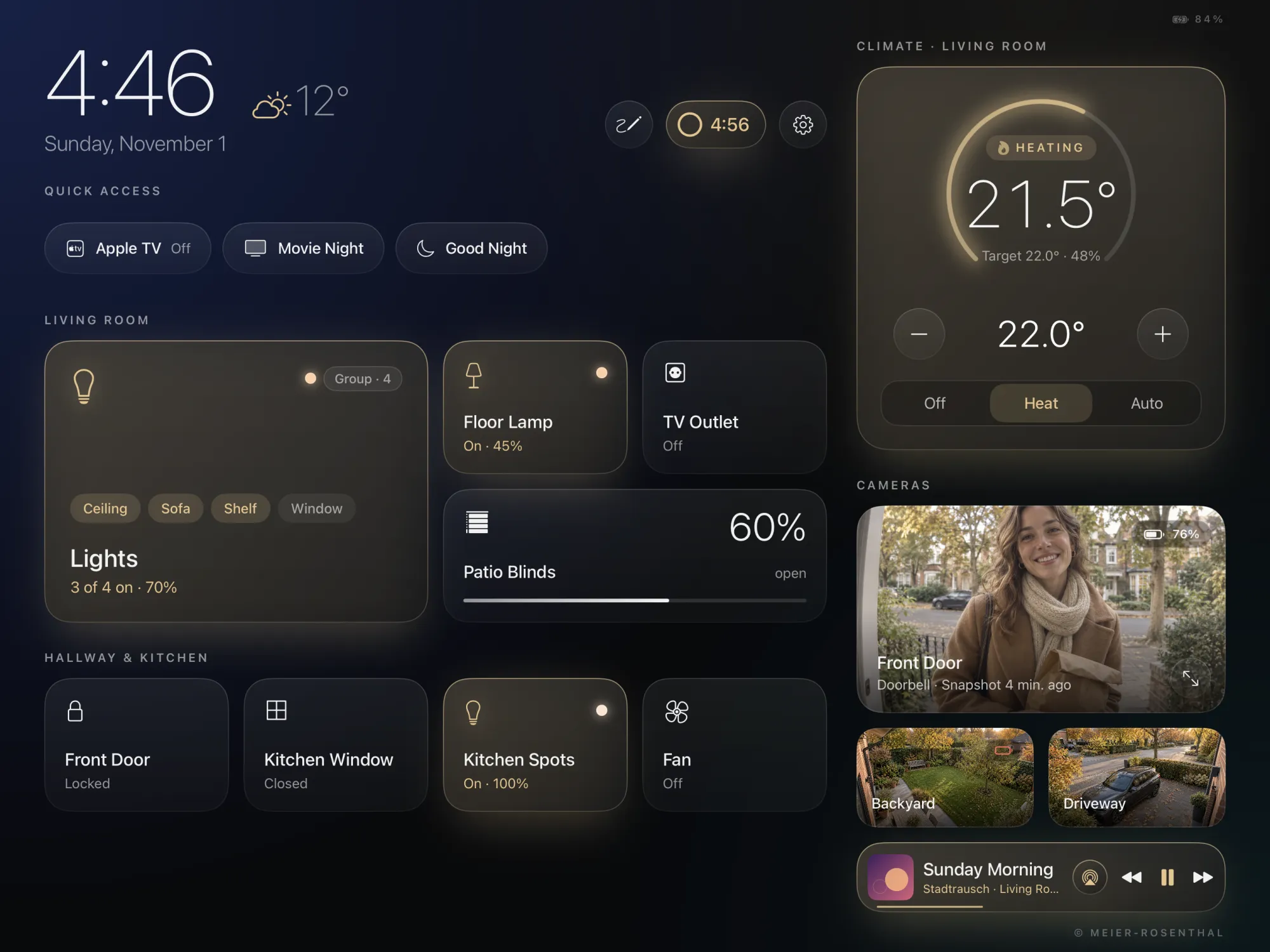
Hausherz turns an iPad on the wall into a dashboard for Apple Home: lights, heating, cameras, music and the whole family. Calm enough to look beautiful. Clear enough for everyone.
The “Outside” style
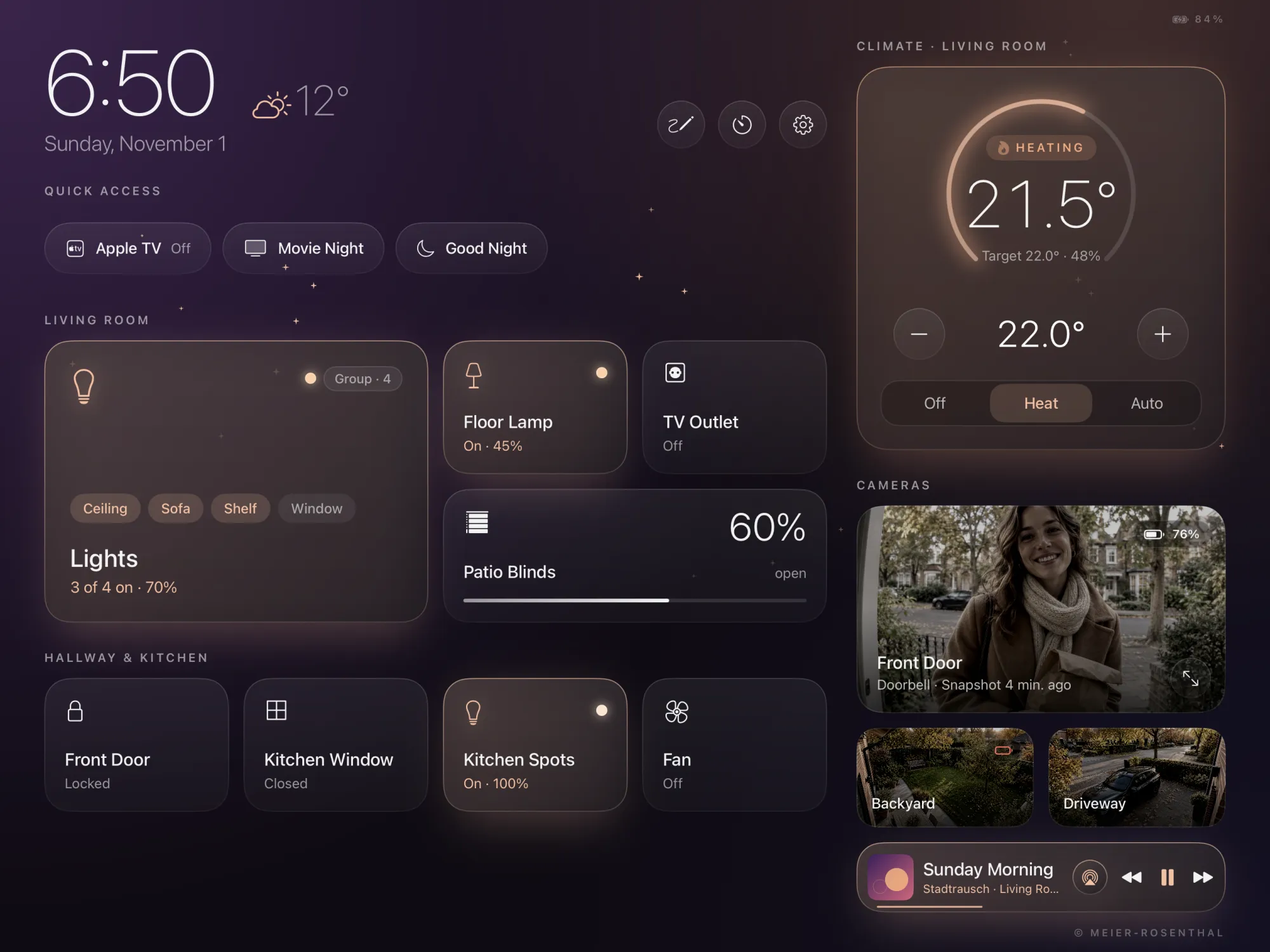
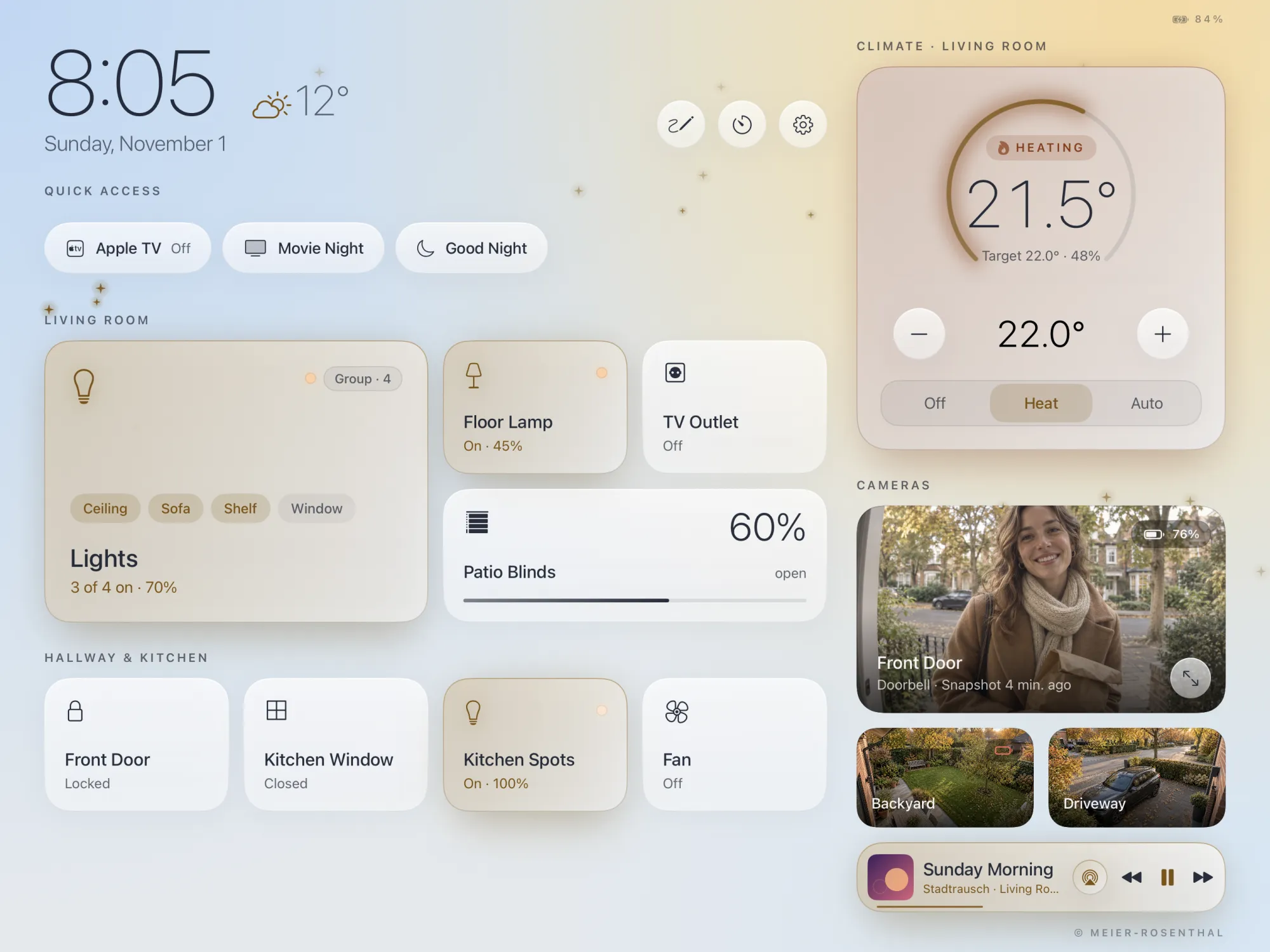
Hausherz takes on the colors of the sky outside your window. Following the sun and the weather – in 72 variations.


Features
Home
Lights, blinds, outlets, locks, thermostats and cameras from Apple Home – room by room, always live. Tap to switch, press and hold for more.
Lighting
Color wheel, shades of white and brightness. The lamp follows live as you drag – and you can color whole groups with one tap.
Heating
The card glows warm, the flame pulses. Set weekly schedules for your Netatmo thermostat and your Heatit floor heating right in Hausherz.
Music
Your Apple Music library, search across the entire catalog, playlists and albums.1 Pick a speaker – and music fills the living room.
Weather
The weather sits next to the clock. Tap it to see today and tomorrow – with clothing tips from T-shirts to rain boots.
Family
Events from the calendars on your iPad in each family member’s color, meal wishes for the week and a notepad for everyone.


Doorbell
The camera opens full screen – no matter what’s open in Hausherz. With two-way talk and “Unlock Door” if there’s a lock in the same room.
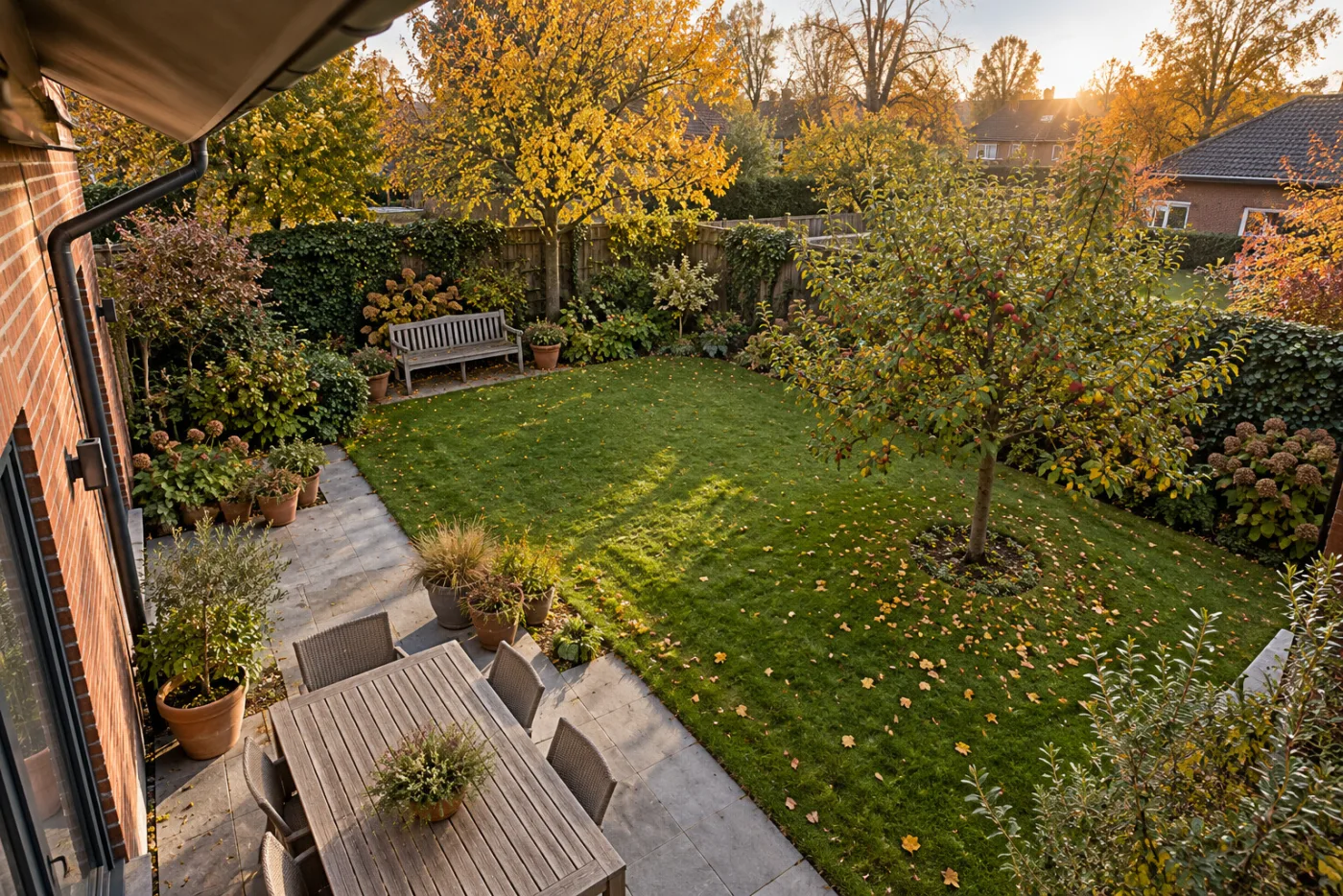
Hausherz needs to be open for this – on the wall, it always is. It still saves battery-powered cameras: on the dashboard, they only show a new snapshot every ten minutes. They go live as soon as the doorbell rings or you tap the tile.
Cameras
 Live
76%
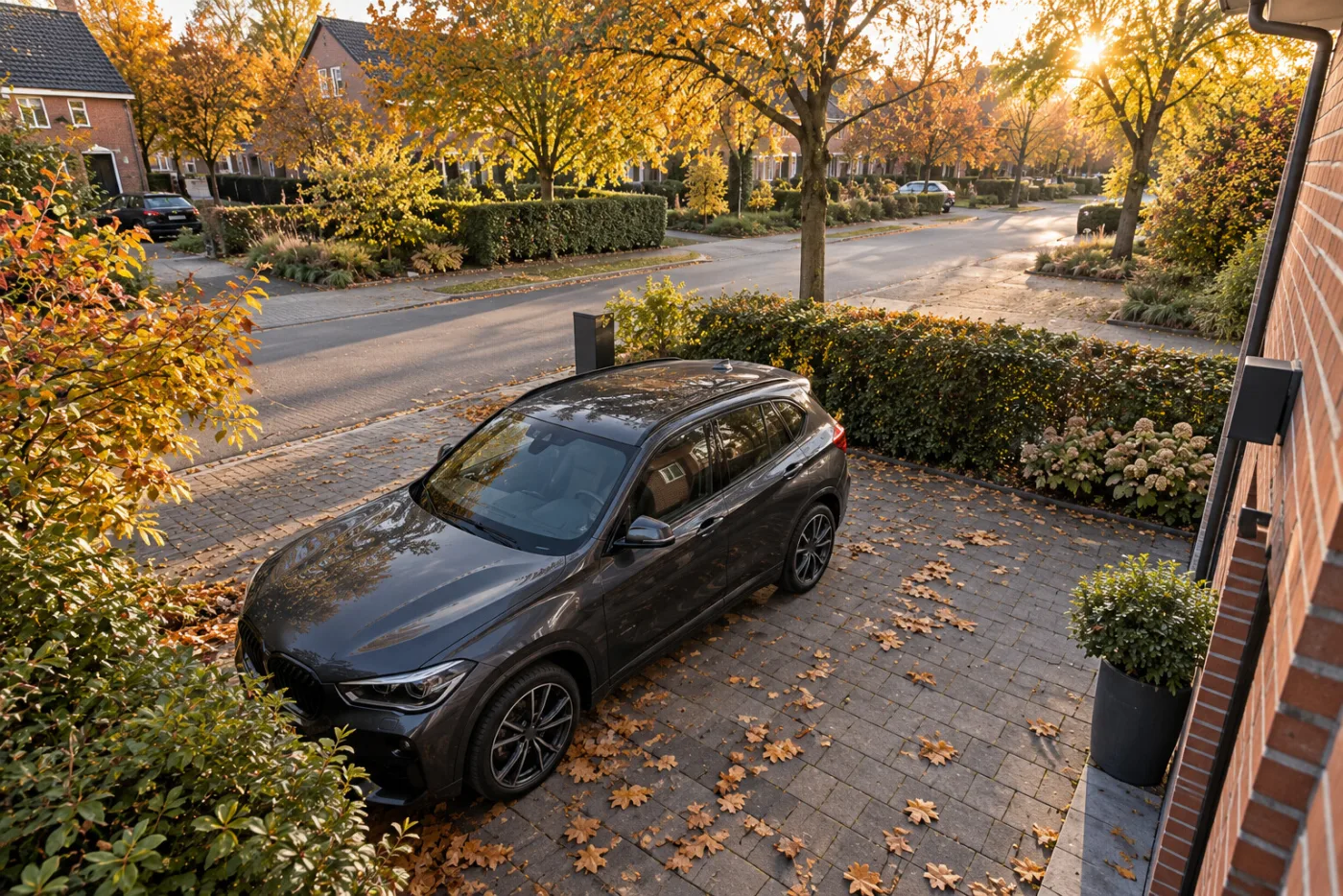

Create them in Hausherz, saved as real scenes in Apple Home – for Siri, too.

Clickpad, volume and apps for Apple TV. One tap turns it on and off.
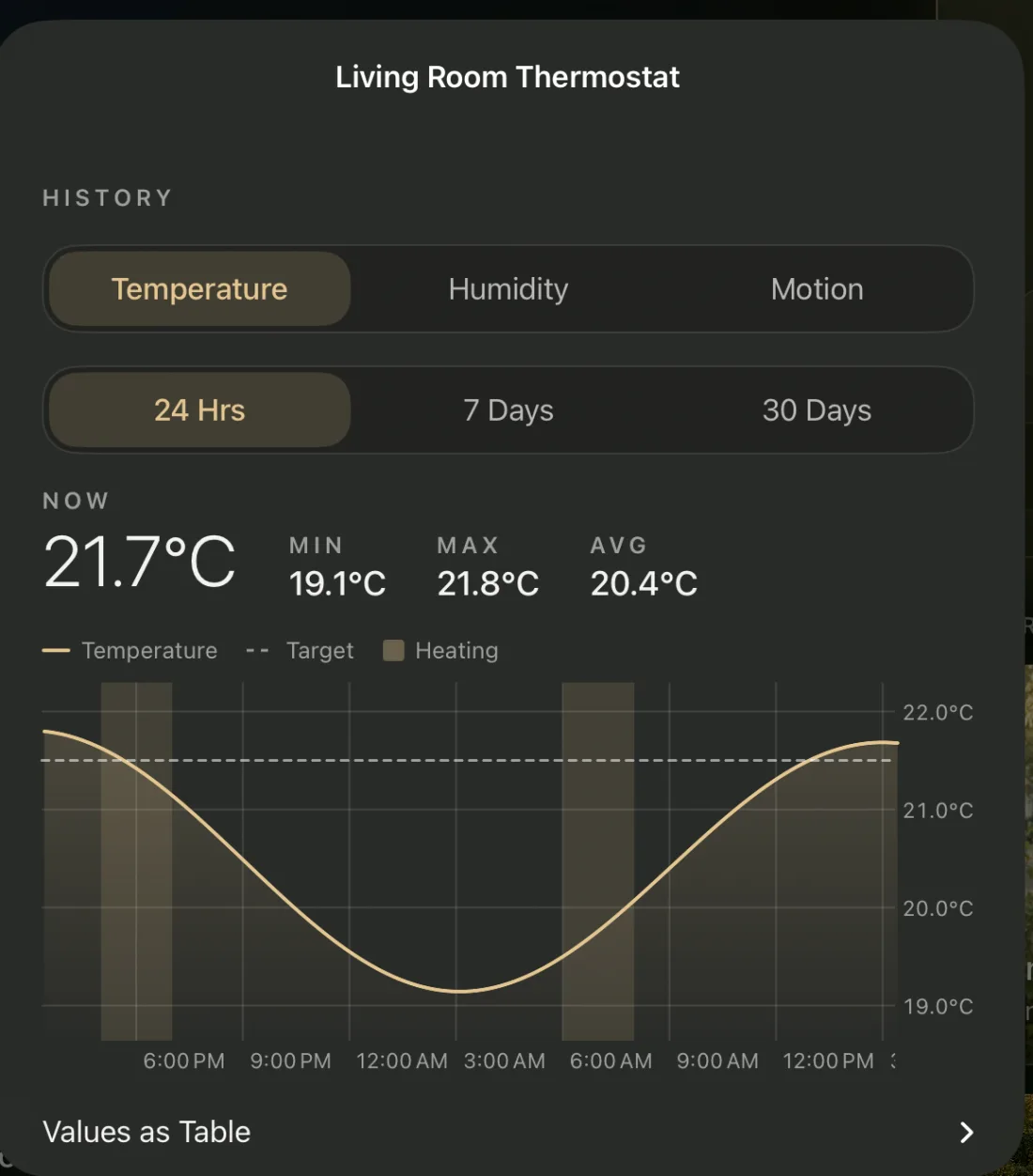
Temperature, humidity and CO₂ over days, weeks and months. Hausherz records it itself while it’s running.

Progress and time left for your Bambu Lab printer appear while it’s printing.
Pasta, eggs, pizza – each with its own name. When one is done, the screen lights up and a chime rings.
Press and hold the clock – cameras, locks and settings are locked. Unlock with Face ID, Touch ID or a code.
Write with your finger, pin it to the wall – done.
When no one touches it, the display dims. The first touch only wakes it – nothing switches by accident.
Works with
Styles
Six classic colors and seven seasonal styles through the year. Snow, blossoms and fireflies even move out of your finger’s way.

Classic
Seasons & Themes
Champagne Champagne on midnight blue
Privacy
Hausherz needs no account and collects no data. It talks to lamps, floor heating, printers and Apple TV directly on your Wi-Fi – no detour through anyone else’s servers.
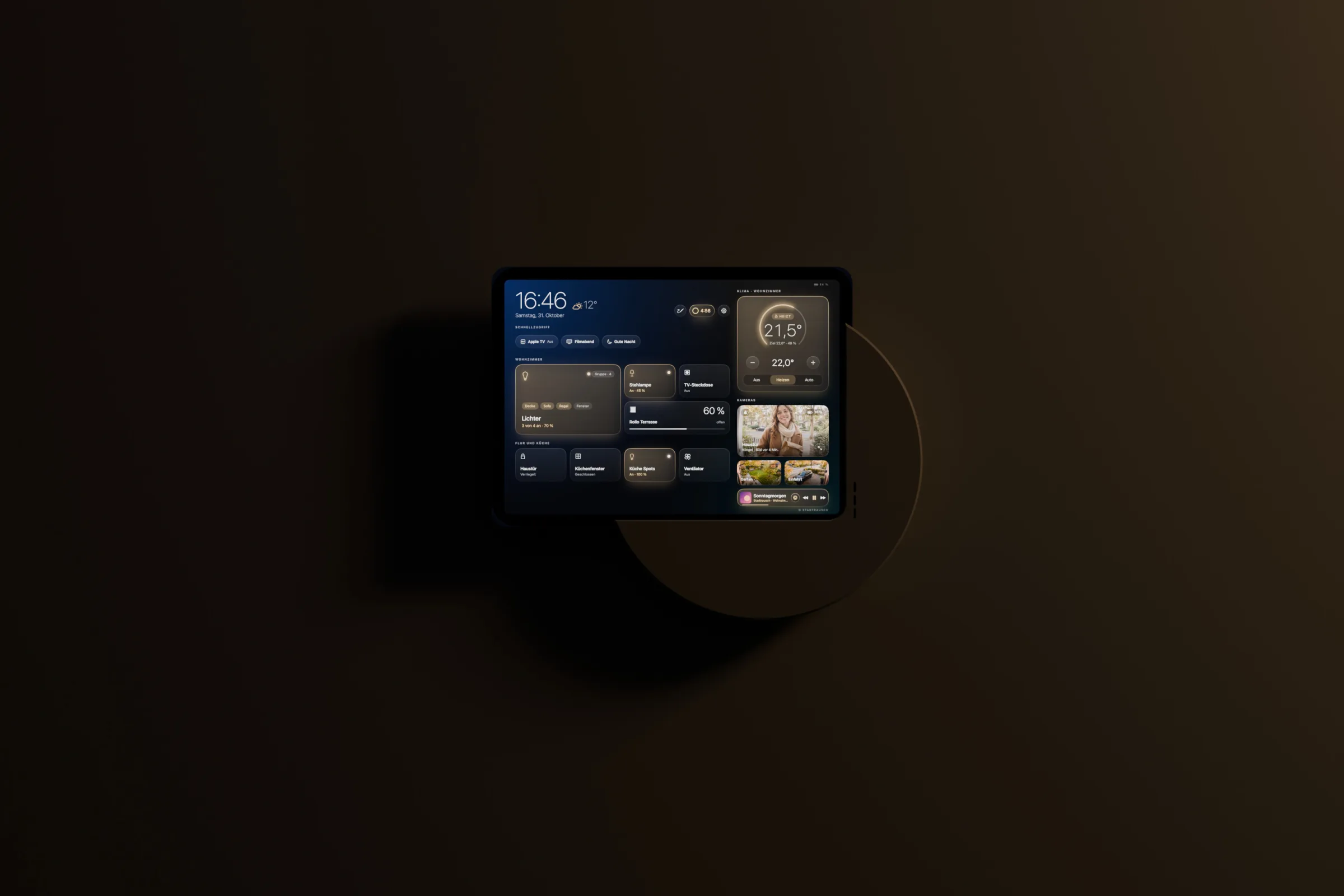
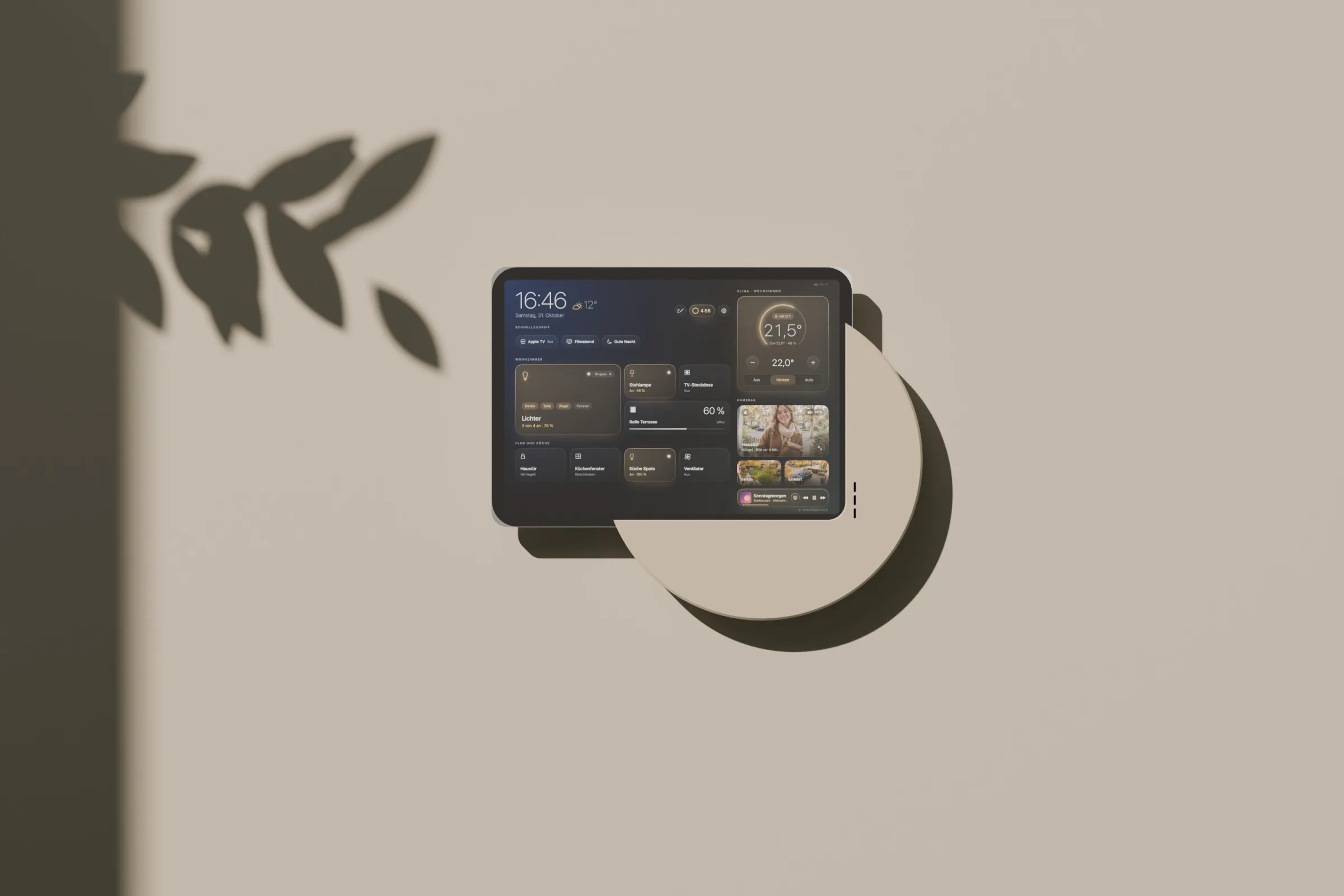
For the wall
Runs around the clock. When the display rests, every animation stops too.
When no one touches it, the display dims. The doorbell and timers wake it instantly.
The first touch only wakes it. So nothing switches by accident.
Questions
Hausherz is a free iPad app. It turns an iPad on the wall into a dashboard for Apple Home (HomeKit): lights, heating, blinds, cameras and doorbell, music, a family calendar and more – large, calm and readable at a glance.
Nothing. No subscription, no ads, no account. If you like, you can leave a tip in the app; it unlocks nothing.
An iPad with iPadOS 17 or later – that covers most iPads from 2018 on. An older iPad that would otherwise sit in a drawer works well. Hausherz runs in landscape.
Not Home Assistant: Hausherz uses Apple Home directly – whatever is set up there shows up on its own. For Apple Home itself, Apple recommends a home hub (HomePod or Apple TV); without one, there is no remote access, no automations and no Thread devices. Since the new Home architecture, an iPad can no longer act as the hub.
Everything from Apple Home: lights, outlets, switches, fans, thermostats, locks, blinds, garage doors, cameras and doorbells, plus sensors for temperature, humidity, contact and motion. Directly over Wi-Fi, it adds Govee lamps, Heatit floor heating, Bambu Lab 3D printers and Apple TV. Air conditioners, air purifiers or smoke detectors aren’t shown yet.
On the wall, yes. Keep the Home app for setting up new devices; Hausherz is made for everyday use: in landscape, easy to read, with the clock, weather, cameras and music at a glance, plus a family calendar, meal plan, timers, a notepad and Guest Mode. Both use the same data – scenes you create in Hausherz also appear in the Home app and work with Siri.
With a mount and a cable to a power outlet. What matters – the mount, power, the battery and the settings for running around the clock – is in our guide: Mounting an iPad on the wall.
Yes, as long as Hausherz is open: the camera opens full screen when the doorbell rings, even from rest mode. Apple only passes Apple Home events to the app in the foreground – on the wall, that’s Hausherz.
Hausherz has no server of its own and collects no data. Settings and history stay on your iPad. More in the privacy policy.
Free. No subscription. No ads.
If you like, you can leave a tip in the app.
Hausherz started as a private project: I first built it just for myself, for the iPad on our wall. Only later did I decide to publish it for free, for everyone. It isn’t perfect – it has mostly been tested with the devices in our own home. If something doesn’t work, write to me at feedback@hausherz.app.

For iPad with iPadOS 17 or later · English and German
